10 Live Wedding Photo Wall Ideas (From Welcome Table to Send-Off)
The best live wedding photo wall ideas reuse one screen and one QR code across the whole day: a then-and-now wall at the welcome table, icebreaker prompts at cocktail hour, photo challenges at dinner, a reaction wall during speeches, a full-energy dance-floor wall, and a finale wall for the send-off song. Here are ten ideas couples actually run, the moment each one fits, and what it takes to set up — most need nothing more than changing the prompt on the wall.
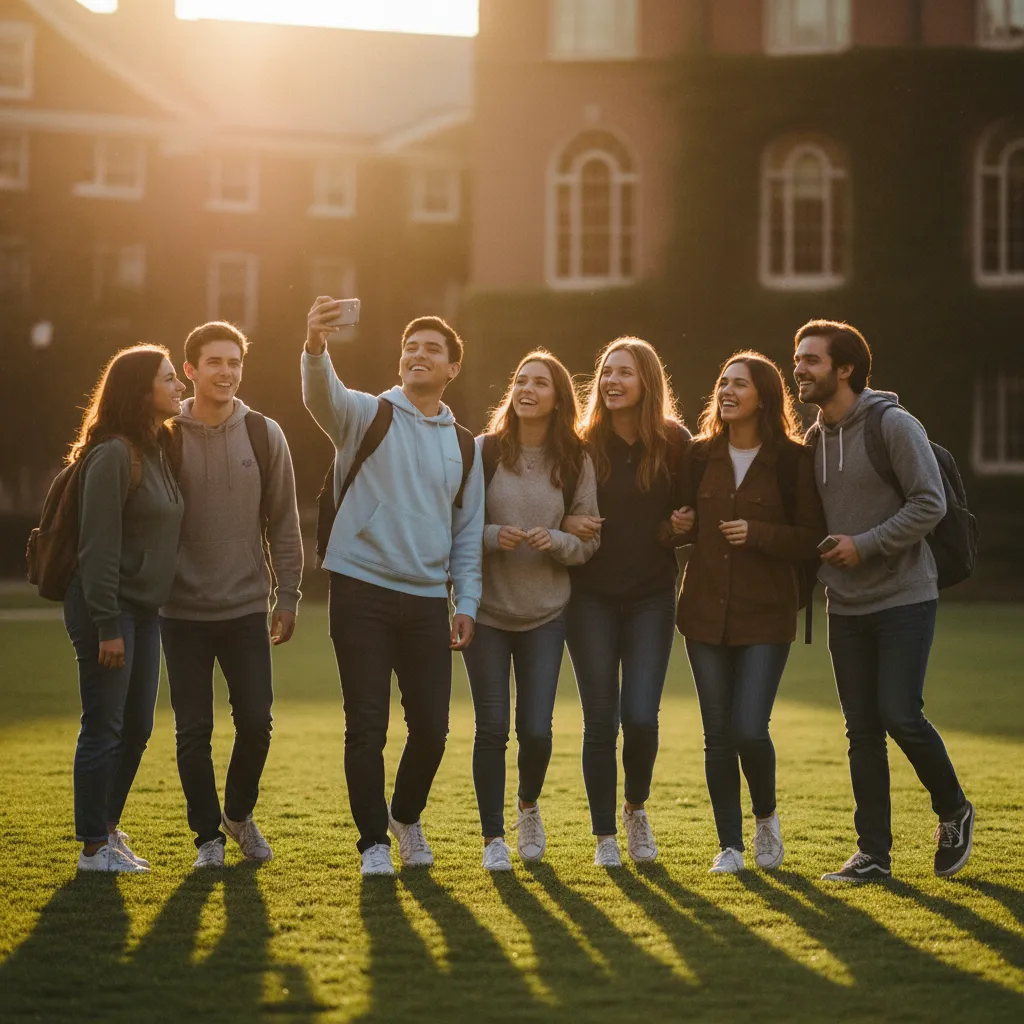
A quick orientation before the list: a live wedding photo wall is a screen at the venue showing photos and messages guests share by scanning a QR code — the code sits on the screen itself, so seeing the wall is the invitation to join it. If that concept is new, the wedding photo wall page covers the basics; this post is about what to do with it.
The ten ideas
1. The welcome-table then-and-now wall
Before the wedding, ask guests (in the invitation or the group chat) to add one old photo of themselves with the bride or groom. As guests arrive, the welcome-table screen cycles through decades of history — school friends, family holidays, embarrassing haircuts. It gives early arrivals something to gather around, and the wall is already full before the first toast.
2. Cocktail-hour icebreaker prompts
Put a prompt on the wall: "Post a photo with someone you just met." Weddings mix two families and five friend groups who mostly don't know each other; a concrete mission gives strangers a reason to talk. Rotate the prompt every twenty minutes or so.
3. Photo challenges at dinner
Give each table a small list of challenges: find your table twin (someone dressed suspiciously like you), a selfie with someone from the other family, the best kids'-table moment, a photo of the detail the couple worked hardest on. Print the list on table cards — the free QR poster maker generates cards with your wall's code on them, a handy supplement for guests seated far from the screen (the code stays on the wall itself either way).
4. The guest-book replacement wall
Instead of a queue at a paper book, guests post their well-wishes from their seats, watch them appear on the screen, and every word is kept in the downloadable archive. You get more entries — nobody has to leave a conversation to contribute — and the messages entertain the room in real time instead of waiting in a book.
5. The dinner-hour slideshow
During dinner, let the wall slow down and cycle through everything gathered so far — the then-and-now photos, the ceremony shots, the cocktail-hour finds. People watch between courses the way they'd watch a fire. Seed it with a handful of engagement photos so the rotation has anchors.
6. The speech-reaction wall
During the toasts, guests post reactions and photos of the speaker mid-story. Run this one with manual approval on: submissions queue on a helper's phone and get released between speeches, so the screen amplifies the moment rather than interrupting it. The best man's face when the old story lands is exactly the photo the couple wants later.
7. Remote-guest inclusion
Send the wall's web link to the guests who couldn't travel. They watch the gallery fill from wherever they are and post their own messages and photos — which land on the screen at the party. A grandmother following along from another country, appearing on the wall mid-reception, is the kind of moment this list exists for.
8. The dance-floor wall
The classic. Put the screen beside or behind the dance floor and let it run at full pace — photos landing seconds after they're taken, the room photographing itself. Make sure the QR code on the display is large enough to scan from the edge of the floor, and let the energy compound: the more photos land, the more people take them.
9. The exit-song finale wall
For the last song and the send-off, switch the wall to a fast rotation of the whole evening — hundreds of photos from ceremony to dance floor flashing past as the couple leaves. It's a montage that made itself, and every person in the room is in it.
10. The morning-after brunch replay
If there's a brunch the next day, put the same wall up again. Guests relive the night, and — reliably — keep adding the photos they discover on their camera rolls over coffee. Some of the best pictures of the wedding arrive twelve hours after it ends.
Which idea fits which moment
| Idea | Best moment | Setup effort |
|---|---|---|
| Then-and-now wall | Arrival / welcome table | Ask guests for old photos in advance |
| Icebreaker prompts | Cocktail hour | Change the wall prompt |
| Photo challenges | Dinner | Print challenge table cards |
| Guest-book wall | All evening | None — it's the default behavior |
| Dinner slideshow | Dinner | Seed a few photos in advance |
| Speech-reaction wall | Toasts | Turn on manual approval; pick a helper |
| Remote-guest inclusion | Before + during | Share the web link with absent guests |
| Dance-floor wall | Party | Position the screen by the floor |
| Exit-song finale | Send-off | Switch to fast rotation for the last song |
| Brunch replay | Next morning | Open the same wall on any screen |
An honest note on when you don't need any of this
If your venue has no screen and you simply want guests' photos collected somewhere, skip the wall entirely — a collect-and-browse gallery tool is simpler for that job, and the Kululu alternatives roundup compares that category honestly. The ideas above earn their keep when the photos are part of the evening, not just an output of it. If that's the wedding you're planning, one free wall covers all ten — start with the wedding photo wall page and test it on your TV tonight.
Frequently asked questions
Do I need a different tool for each photo wall idea?
No — that's the point of the list. One wall, one QR code, one screen. You change what the wall is doing (the prompt, the pace, where the screen sits) as the day moves from welcome table to dinner to dance floor. Guests scan once and can keep contributing all night.
How do wedding photo challenges and prompts work?
You give guests a specific mission instead of a blank "share a photo": find your table twin, get a selfie with someone from the other family, capture the best dance move. Put the challenge on the wall itself, and optionally on printed table cards as a supplement. Specific prompts reliably beat generic ones because they give shy guests a reason to start.
Can guests who couldn't attend the wedding join in?
Yes. The wall has a plain web link as well as the QR code — send it to remote guests and they can watch the gallery fill and post their own photos and messages from anywhere. Their contributions land on the screen at the venue, which is the closest thing to having them in the room.
Won't a live wall be a distraction during the speeches?
It can be, if you leave it fully open — which is why a speech-reaction wall works best with manual approval turned on. Submissions queue up on your phone (or a designated helper's) and you release them between toasts, so the screen supports the moment instead of competing with it.
What screen do I need for a wedding photo wall?
Any projector or TV that can show a web page: plug a laptop into the venue's screen via HDMI, or open the wall in the TV's browser. Most venues that host receptions have one or the other. The QR code displays on the wall itself, so once the screen is up, guests have everything they need.
Ready to Transform Your Events?
Create engaging, interactive experiences that your attendees will remember. Join thousands of event organizers using QR Wall for conferences, corporate events, and more.
Get Started Free