Corporate Event Planner's Guide to Memorable Events (2026)
Corporate events become memorable when they give people three things a presentation cannot: a way to be heard, something the whole room watches happen together, and something worth taking away afterwards. This guide covers five strategies for town halls, offsites and company celebrations — plus a run-of-show table for the live wall itself: which view for which part of the day, which look, whether posts are held for approval, who moderates, and what happens to the content when everyone goes home.
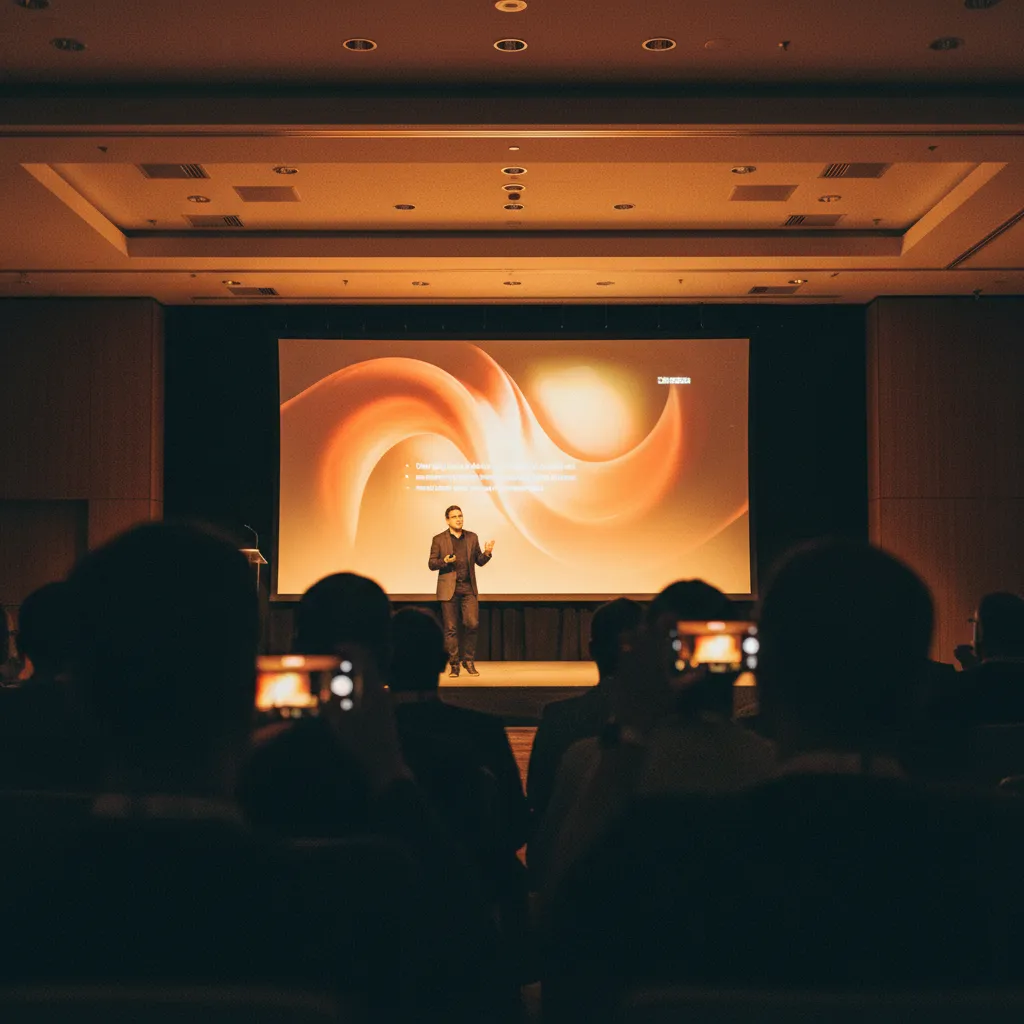
The problem: forgettable events waste your budget
You've invested thousands in the venue, catering, and speakers. Your leadership team has blocked time on their calendars. But two weeks later, when you ask employees what they remember, you get blank stares.
"It was nice, I guess?" is not the ROI you were hoping for. Worse, when it's time to plan next year's event, leadership questions whether the budget is worth it.
The harsh reality: most corporate events fail because they're designed to inform, not to create experiences. Information gets forgotten. Experiences get remembered and shared.
What makes an event "memorable" (and why most aren't)
Memorable events have three elements that forgettable ones lack:
- Emotional connection — people remember how they felt, not what was said
- Active participation — doing beats watching every time
- Shareable moments — if it's not Instagram-worthy, it's forgettable
Traditional corporate events fail on all three. Presentations create no emotional connection. Sitting and listening isn't participation. And there's nothing worth sharing about another PowerPoint deck.
5 strategies that transform generic events into memorable experiences
Strategy 1: Make every voice heard (not just leadership)
Town halls fail when only executives speak. The memorable ones? Everyone participates.
How it works: Give every attendee a voice through live Q&A and message walls. When the CEO reads and responds to employee questions in real-time, it creates genuine connection — not scripted corporate speak.
The result: Employees remember feeling heard. Leadership gets authentic feedback. Everyone leaves feeling more connected to the company mission.
Strategy 2: Create shared experiences, not just shared spaces
Putting people in the same room doesn't create connection. Giving them something to experience together does.
How it works: Use visual displays that show everyone's contributions. When someone posts a photo from their team or shares a win, and everyone sees it on the big screen, you create collective moments. Posts arrive over a live connection, so a photo taken in the third row is on the screen at the front about a second later.
"Did you see marketing's photo?" becomes the conversation starter that turns strangers into colleagues.
Strategy 3: Design for mobile-first participation
Your employees have their phones out anyway. Stop fighting it. Use it.
How it works: Make phones the participation tool, not a distraction. A QR code on the wall itself lets people share thoughts, photos, and reactions straight from the phone camera — no app to download, no account, no join code to read out, and nothing for IT to approve. On the Professional plan the code carries your logo in the middle, on the screen, on the printed poster and on the page people land on after scanning.
The irony? When phones become the engagement channel, people actually look up more — because they want to see their contribution on the displays.
Strategy 4: Turn moments into memories with visual storytelling
Photos create memories. But only if people actually see and share them.
How it works: Enable attendees to submit photos — and short video clips recorded on the phone — that appear live on displays. Team celebrations, candid moments, a ten-second thank-you from the field office, inspirational quotes from speakers: all visible to everyone, creating a visual story of the event.
Bonus: After the event, download every photo, message and video as one archive and send attendees the shareable gallery link. Now you've extended the memory and given them sharable content for their own social media.
Strategy 5: Moderate without killing authenticity
Corporate events need to stay professional. But over-filtering kills the authentic moments that make events memorable.
How it works: Two controls, and you rarely need both at full strength. AI moderation (Professional plan) screens messages, photos and videos before they reach the screen, with five sensitivity levels — turn it up for a customer- or press-facing event, down for an internal party where the jokes are the point. The manual approval queue (Professional) holds every post for a one-tap approval on the host's phone. On Premium and Professional, whoever has the dashboard open can pull any post off the display with one tap.
This preserves the spontaneity that makes events fun while ensuring nothing embarrassing ends up on the CEO's screen.
The wall run-of-show: six decisions to make before doors open
Setting the wall up takes under a minute, so the planning is not really setup — it's six decisions about the room. Here is each one with the concrete answer, so you can settle them in a single pass rather than on the day.
| Decision | What you choose | Plan |
|---|---|---|
| What the screen runs on | Open qrwall.live/tv in the venue's smart TV browser, scan the pairing code with your phone, pick the wall. No laptop wheeled in, no typing on a TV remote, and the TV never sees a password — your phone stays the remote. | Any plan |
| Which view, for which part of the day | Grid for arrivals and breaks (everything at once — a wall of faces people scan for their own). Slideshow during the main session (a calm scrolling stream that doesn't compete with the speaker). TV for the awards or the close (full screen, one post at a time, new posts jump the queue). Switch from the dashboard mid-event; nobody rescans. | Slideshow and Grid on every plan; TV on paid plans |
| Which look | Four to choose from: Classic for an everyday all-hands, Elegant for the awards dinner, Memorial for a tribute, and Keynote — deep navy with a live animated backdrop, sized to read from the back row of a ballroom. Professional also lets you drop in your own branded background. | Classic on all plans; Elegant and Memorial on Premium; Keynote on Professional |
| Whether posts are held first | The manual approval queue holds every post for a one-tap approval before it reaches the screen. On for anything customers, press or candidates will see; off for an internal team night, where the delay costs more than it saves. | Professional |
| Who moderates | AI moderation screens messages, photos and videos before they hit the screen, at one of five sensitivity levels — pick the level in advance. Then name one person who watches the queue on their phone, not "whoever is near the laptop". On Premium and Professional, that person can remove any post from the display with one tap. | AI moderation on Professional; one-tap removal on Premium and Professional |
| What happens to it afterwards | Download every photo, message and video as one archive for the internal comms library, and put the shareable gallery link — no login needed — in the follow-up email. A free wall keeps only the five most recent posts on screen and has no download or gallery, which is fine for a trial run and not fine for the annual kickoff. | Premium and Professional |
The plan column is the whole budget conversation: Free is $0 forever and shows the five most recent posts, Premium is $10.99 a month, and Professional is $19.99 a month, billed monthly and cancellable any time — so a single event costs less than the coffee order. If you're expecting 200+ people posting at once, the $29 Event Performance Boost add-on sits on top of Professional and reserves server capacity for the days around the event, plus a pre-event setup check.
Case study: transforming a quarterly town hall
Before: Standard quarterly update. CEO presents slides, employees half-listen, everyone forgets the content by Monday. Attendance drops each quarter.
After: Same content, different approach:
- A QR code on the projected wall (and in calendar invites) lets employees submit questions before and during presentations
- CEO addresses top questions live, creating dynamic conversation
- Teams submit photos celebrating recent wins, displayed on big screens
- Reactions and comments appear in real-time, creating energy
Results:
- Attendance increased by 35% for next town hall
- Employee engagement scores up 28%
- Leadership team requested interactive displays become permanent fixture
- Employees still referencing "that awesome town hall" months later
Measuring success: beyond attendance numbers
Memorable events generate ROI you can measure:
- Social proof: Count social media posts and shares. Memorable events get shared.
- Participation rate: Track how many attendees actively contribute vs. passively watch.
- Retention: Survey employees 2 weeks later. What do they actually remember?
- Repeat attendance: If next quarter's event has higher attendance, you've created something worth returning to.
- Leadership impact: Did the CEO's key messages stick? Test recall after 30 days.
Your action plan
For your next corporate event:
- Week before: Create your event, settle the six run-of-show decisions above, and share the QR code in calendar invites
- Day of: Pair the venue TV at qrwall.live/tv from your phone, and make sure the QR code is on the wall itself where the room can see it
- During event: Project submissions on screens, switching views as the day changes gear, creating shared moments
- After event: Download all photos, messages and videos, compile highlights, share the gallery link with attendees
- Follow-up: Measure what people remember and use insights to make next event even better
The difference between a forgettable event and a memorable one isn't budget — it's whether you create moments worth remembering. These five strategies make that happen.
Ready to Transform Your Events?
Create engaging, interactive experiences that your attendees will remember. Join thousands of event organizers using QR Wall for conferences, corporate events, and more.
Get Started Free