Are QR Code Photo Walls Safe and Private? The Settings That Actually Matter
Yes — a QR code photo wall is safe and private with the right settings. The three controls that matter are moderation before content reaches the screen, keeping event pages out of search engines, and controlling who gets the link afterwards. This guide walks through each one, plus the specific concerns for weddings, corporate events, and memorials.
Last updated: September 2026
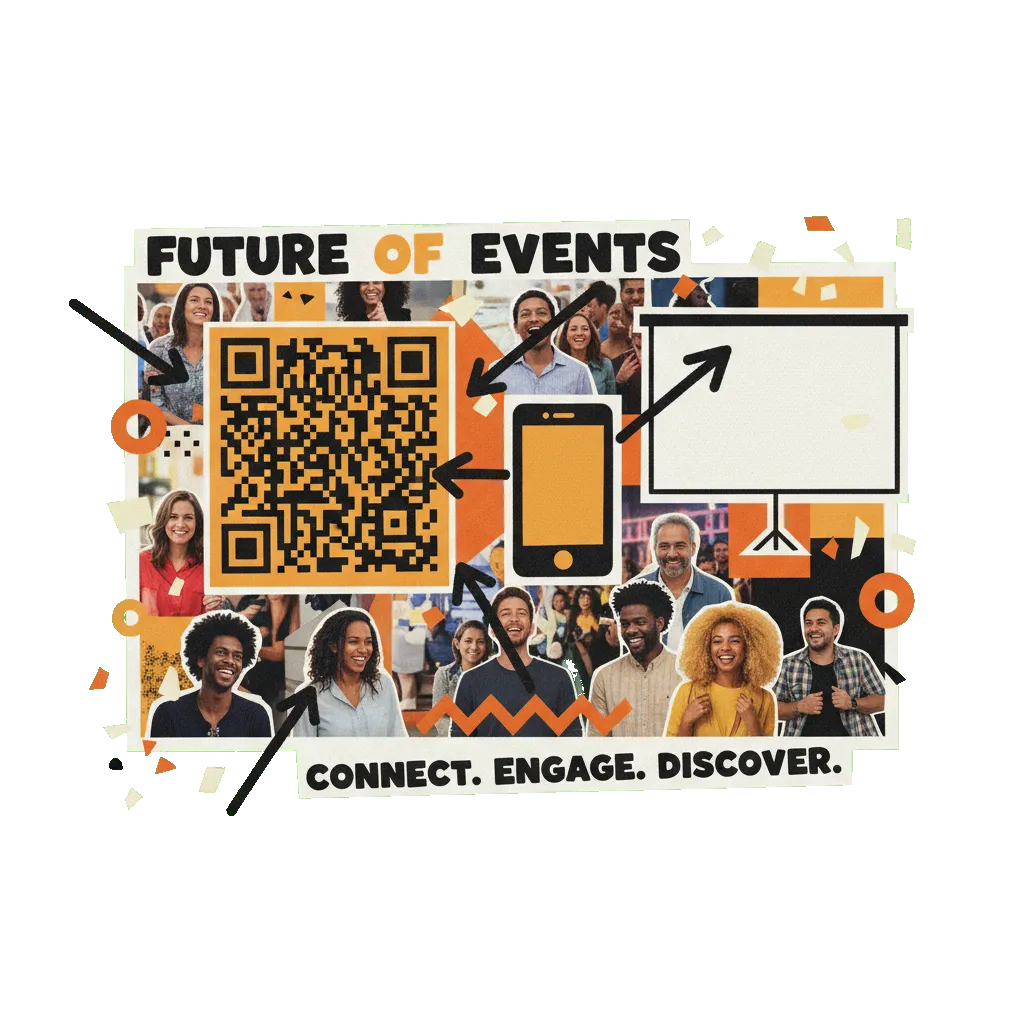
A QR code photo wall is private by default in the ways that matter: the wall lives at an event-specific link that only people with the QR code or URL can reach, the pages are excluded from search engines, and nothing is posted to social media. Safety comes from moderation — on QR Wall, hosts can require one-tap manual approval for every submission before it appears, and the Professional tier adds AI moderation (OpenAI's omni-moderation model, text and images) that blocks flagged content before it ever reaches the screen.
What 'private' actually means for an event photo wall
People asking whether photo walls are safe are usually asking three different questions at once, and they have three different answers.
"Can strangers on the internet see my event's photos?" No, not in any practical sense. The wall and its submission page live at event-specific URLs that are only distributed via your QR code. On QR Wall, the live display, submission, and gallery pages are explicitly marked so search engines don't index them — your wedding wall won't turn up in a Google search. This is link-level privacy, the same model as an unlisted album: anyone you hand the link to can open it, and no one else has a way to find it.
"Can anyone post to my wall?" Anyone who can scan the QR code can submit — that's the point, and it's also the thing to manage. Treat the QR code like room access: it lives on the projected screen in front of your guests, so the people posting are the people in the room. The corresponding rule of caution: don't post the QR code or submit link on public social media before the event, or you've invited the public in.
"What stops something inappropriate from hitting the screen?" Moderation before display. QR Wall gives hosts two layers: manual approval, where every submission waits in a queue for a one-tap approve on the host's phone before appearing — total control, works on any tier — and AI moderation on the Professional tier, which runs every message and photo through OpenAI's omni-moderation model with five configurable sensitivity levels and blocks flagged content automatically. For a wedding with people you know, many hosts run open. For a corporate event or anything public, run AI moderation, manual approval, or both.
One more dimension people care about: what happens to the content afterwards. On paid tiers the host can download everything as a ZIP archive and share a gallery link that only people who receive it can open. The host also stays in control on the wall itself — individual posts can be removed, and the whole wall can be cleared or the event deleted when you're done with it.
How to run a private, safe photo wall
Eight steps that take a wall from default-fine to locked-down, in the order you'd actually do them.
-
1
Pick a platform that moderates before display
The non-negotiable feature is a moderation model where the host can gate content BEFORE it appears on screen — either a manual approval queue or automatic AI screening. Tools that only offer delete-after-display mean the room sees the problem post first. QR Wall supports pre-display manual approval and automatic AI moderation, both on Professional.
-
2
Match the moderation level to the audience
Friends and family you trust: open posting is usually fine, and the social pressure of a shared screen does most of the work. Mixed or unknown audience (corporate, conference, public party): turn on AI moderation, manual approval, or both. Teen events: manual approval with a parent or organizer holding the approve button.
-
3
Keep the QR code inside the room
The QR code is the access key. It belongs on the projected wall and on signage at the event — not on a public Instagram post or an open Facebook event page beforehand. If the code never leaves the room, the only people who can post are the people you invited.
-
4
Confirm event pages are hidden from search engines
Check that the platform excludes live event pages from search indexing. QR Wall serves its display, submission, poster, and gallery pages with a noindex directive, so they don't appear in Google — the wall is reachable only by people who have the link. If a platform's event pages show up in search results, guests' photos are one search away from public.
-
5
Tell guests what the wall is, on the signage
A one-line note next to the QR code — 'photos you share appear on the screen and go to the hosts afterwards' — sets expectations honestly. Guests are choosing to post to a shared screen; make that choice informed. For corporate events, this line doubles as your consent notice and saves HR a conversation.
-
6
Control the after-party: gallery link and downloads
On paid tiers, QR Wall gives the host a shareable gallery link and a full ZIP download of photos and messages. The gallery link works like any private link — share it with guests, and ask them not to repost it publicly if the event was sensitive. The host decides who gets it; nothing is published anywhere by default.
-
7
Clean up when it's over
Download your archive, then clear the wall or delete the event if you don't want the content to remain accessible at the old link. For memorials and corporate events especially, a deliberate end-of-life for the content is part of doing it respectfully.
-
8
Apply common-sense data judgment (GDPR and beyond)
If you're an EU organization or handling other people's photos at scale, the ordinary data-protection instincts apply: tell people what's collected and why (the signage line), collect only what the event needs, and delete it when done. This isn't legal advice — for corporate deployments, loop in whoever handles your privacy compliance, and note that guests submit voluntarily with no account, login, or app install required.
Privacy mistakes that actually happen
- ✗No moderation at a public event. The one genuinely unrecoverable failure: an offensive post on a 20-foot screen in front of everyone. If strangers can scan, moderation before display is mandatory, not optional.
- ✗Posting the QR code publicly before the event. A QR code on a public social post is an open invitation for anyone to submit. Keep the code on the screen and signage in the room.
- ✗Confusing 'private link' with 'access controlled'. Link-level privacy means anyone holding the link gets in. That's the right model for events — but it means you manage the link like a key, especially the post-event gallery.
- ✗Deleting the event before downloading. Do the ZIP download first, then clear or delete. Memorial families in particular should archive before tidying up.
- ✗Assuming the wall posts to social media. The reverse worry — some guests won't participate because they think it publishes to Instagram. It doesn't; submissions go only to the event's wall. Saying so on the signage raises participation.
Frequently asked questions
Are QR code photo walls safe?
Yes, with the right settings. The two controls that make a wall safe are moderation before display and link discipline. On QR Wall, hosts can require one-tap manual approval for every post before it reaches the screen, and the Professional tier adds AI moderation (OpenAI's omni-moderation model, covering both text and images, with five sensitivity levels) that blocks flagged content automatically. Keep the QR code inside the room and the only people posting are your guests.
Can strangers see the photos on my event wall?
Not in practice. The wall lives at an event-specific link distributed only through your QR code, and QR Wall's event pages — display, submission, and gallery — carry a noindex directive so they never appear in Google or other search engines. Nothing is posted to social media. The privacy model is an unlisted link: people you give access to can see it; nobody can search their way in.
Can I approve every photo before it appears on screen?
Yes. Manual approval mode holds every submission in a queue, and the host approves each one with a tap from their phone before it appears on the wall. This works on any tier and is the recommended setting for teen parties, memorials, and corporate events where a human should make the call. AI moderation (Professional tier) can run underneath as a first filter so the human queue only sees plausible content.
Is a QR photo wall appropriate for a funeral or memorial?
Yes, and privacy is usually why families choose one over social media. Photos and memories go to a private wall that only attendees and invited remote family can reach — nothing is posted publicly, there are no comments from strangers, and no account is required to contribute. Manual approval lets a family member gently review submissions, and afterwards the family downloads every photo and message as a keepsake and can delete the event when they're ready.
What about corporate events and GDPR?
The sensible-defaults version, without pretending to be legal advice: guests submit voluntarily with no account, login, or app install, so the wall collects the content they choose to share rather than harvesting profiles. Put a one-line notice next to the QR code saying submissions appear on screen and are kept by the organizer, enable AI moderation so nothing inappropriate is displayed, download the archive after, and delete the event when it's served its purpose. For formal compliance sign-off, involve your organization's privacy owner.
Who can access the photos after the event?
The host controls everything. On QR Wall's paid tiers the host can download the full archive (photos + messages) as a ZIP and optionally share a gallery link with guests — a private link that only people who receive it can open, also excluded from search engines. If the host shares nothing, nobody sees the content after the event. The host can also remove individual posts, clear the wall, or delete the event entirely.
Run a wall you control end to end
Manual approval and AI moderation on Professional, and event pages that never show up in search. Start free.
Create your free QR Wall →✓ No credit card required ✓ Setup in 60 seconds
Related resources
QR Wall security & privacy
Platform-level data protection practices
Photo wall with no app download
Why browser-based posting means no accounts and no data harvesting
QR code event wall setup guide
Full setup walkthrough, including enabling moderation
QR Wall for celebrations of life
Running a private memory wall for a memorial service