The All-Hands Playbook (2026): How Interactive Walls Turn Town Halls Into Two-Way Conversations
An all-hands wall is a QR code on your slide deck that turns the room's phones into the question queue: employees scan with the camera, post a question, shout-out or photo, and it lands on the big screen about a second later. What it changes is who gets to speak - the people who would never raise a hand, and the remote half of the company, post to the same screen.
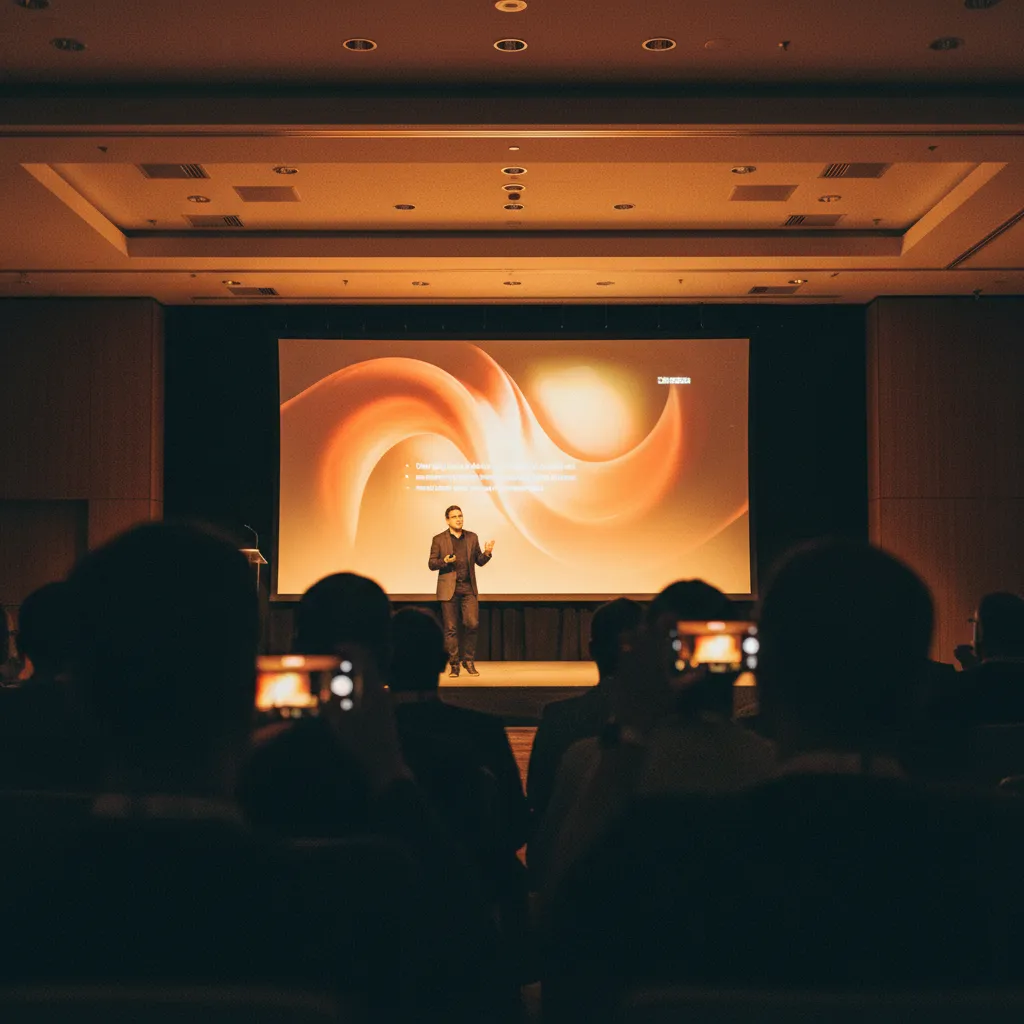
The attention cliff: what dies after slide 8
It happens at every company all-hands. Your CEO is 15 minutes into quarterly updates when you notice the telltale signs: laptops opening, phones emerging, eyes glazing over. By the time you reach the mandatory "culture and values" section around slide 8, you've lost half the room.
The problem isn't your content or your speakers. The problem is the format itself. Expecting employees to sit through 60 minutes of passive listening feels as outdated as reading company memos aloud. Your team is used to Slack threads, Instagram Stories, and TikTok comments — they expect to participate, not just observe.
The cost of disengagement is real: missed strategic context, questions left unasked, disconnect from leadership vision, and employees who see all-hands as "time to catch up on email."
The solution: turn broadcasting into dialogue
Interactive walls solve the engagement problem by meeting employees where they already are — on their phones — and channeling that attention into productive participation. Instead of fighting device distractions, you harness them.
How it works: the 3-second participation loop
- Display a QR code on every slide throughout the all-hands
- Employees scan with their phone camera (no app required)
- They submit questions, shout-outs, or reactions
- Messages appear on the main screen in real-time
- Leadership addresses top questions as they emerge
Starter prompts that drive participation
The secret to high engagement isn't just having an interactive wall — it's asking the right questions at the right moments. Here are proven prompts for each section of your all-hands:
Opening (first 5 minutes)
- "Share a win from the past month" — gets people in a positive mindset
- "One word to describe your week" — easy entry point, shows collective mood
- "Shout out someone who helped you recently" — builds culture, increases belonging
Strategic updates (middle section)
- "Questions for leadership on [this quarter's priorities]" — collects real concerns
- "What would help you execute on this strategy?" — surfaces blockers
- "React with 👍 if this aligns with your team's work" — real-time pulse check
Q&A segment (final 15 minutes)
- "Submit your question for the leadership panel" — no raised hands, no anxiety
- "👍 questions you also want answered" — surfaces what matters most
- "Follow-up questions on [topic just discussed]" — keeps conversation flowing
Moderation & safety nets
Open submission can feel risky. What if someone posts something inappropriate? What if trolls hijack the wall? Here's how to moderate effectively without killing spontaneity:
Three-layer moderation strategy
Layer 1: AI moderation (Professional)
Screens every message, photo and video before it reaches the screen, with five sensitivity levels so you can set the bar for the room — looser for a Friday social, tighter for a results meeting. It runs in the background; guests never see it.
Layer 2: Manual approval queue (Professional)
Every post waits for a one-tap yes on a moderator's phone before it reaches the wall. Nothing appears that a human has not seen. This is the setting for the sensitive all-hands — a reorg, a results miss, a leadership change — and it is why a comms team can open the floor at all.
Layer 3: Pull a post (Premium and Professional)
On Premium and Professional, the host can remove any post from the display with one tap. It is the backstop for the thing that was fine in isolation and wrong in context.
Pro tip: Posts are anonymous unless you turn on attendee contact capture (Professional: one field, asked once per phone, with a clear notice that the host will receive the details). For an all-hands, anonymity is the feature — it is what gets you the question about the reorg that nobody will ask into a microphone — and it is exactly why the approval queue matters more here than at a wedding. The bigger risk is still under-participation, not trolls.
The town hall run sheet
A wall at a town hall is not one setting you leave running — it is four, and the switches happen from the dashboard mid-meeting without anyone rescanning. Here is what the comms team does before the meeting, in the first minutes, during Q&A, and afterwards.
| When | On the screen | Moderation | Who does what |
|---|---|---|---|
| The day before | Pair the room. Open qrwall.live/tv on the venue's smart TV browser, scan the pairing code with your phone, pick the wall. No laptop in the AV cupboard, no typing on the remote, and the TV never sees a password. | Turn the approval queue on and name one moderator. On Professional, set the AI sensitivity level underneath it as the pre-filter. | Comms lead builds the wall (about 60 seconds), puts the QR on the title slide and every section divider, and posts a test message from their own phone. |
| Doors open — first 5 minutes | Grid view: the mosaic, everything at once. The wall visibly fills while people take their seats, which is the whole permission structure — nobody wants to be the first post on an empty screen. | Queue on. The moderator taps yes on their phone as posts land; nothing reaches the screen unapproved. | Open with a low-stakes prompt ("one word for your week"). The wall URL goes in the calendar invite, so remote staff post to the same screen as the room. |
| Leadership updates — the middle | Slideshow view: the stream scrolls quietly on the side screen while the deck runs on the main one. One projector only? Cut back to the wall between sections. | Queue stays on, but the moderator's job shifts from safety to editing — approving the questions worth pulling forward. | Comms lead watches for recurring themes and hands the exec team the three that keep coming back before Q&A starts. |
| Q&A — final 15 minutes | Moderator switches to TV view from the dashboard: full screen, one post at a time, new posts jump the queue. The question being answered is the only thing on the wall and reads from the back row. Nobody rescans — the QR never changed. | The moderator approves the next question just before the exec takes it, so the screen and the answer stay in step. Anything that lands wrong comes off the display instantly. | Host reads the question off the wall rather than a laptop. On Professional, the Keynote theme is the one sized for a room this size. |
| After — within 48 hours | Wall comes down; the content does not go with it. | Nothing left to moderate — the queue already decided what was public. | Download the event as one archive — every message, photo and video — and put the shareable gallery link (no login) in the recap. If attendee contact capture was on, export the deduplicated CSV from the gallery or the ZIP. |
The queue that makes this workable is on Professional ($19.99/month), along with AI moderation, the Keynote theme and attendee contact capture; Premium ($10.99/month) lifts the post limit but has no queue. A free wall costs $0 and shows the 5 most recent posts — enough to rehearse the flow with your own team, not enough for a 200-person town hall, where the post you wanted on screen scrolls off within the minute. If a few hundred people will post at once, the $29 Event Performance Boost add-on reserves server capacity for the days around the event.
Metrics that matter: measuring real engagement
Unlike "number of attendees" (which tells you nothing about engagement), interactive walls give you actionable data:
| Metric | Typical range | What it tells you |
|---|---|---|
| Participation rate (% of attendees who submitted at least one message or reaction) | 35-65% | Typical range for well-prompted all-hands |
| Questions surfaced (total unique questions submitted) | 20-40 | Compare to 3-5 in traditional raised-hand Q&A |
| Questions answered (% of submitted questions addressed by leadership) | 60-80% | Shows how well you close feedback loops |
| Topics surfaced (recurring themes in questions and comments) | 5-8 | Guides follow-up actions and next all-hands topics |
Post-event: close the loop
The all-hands doesn't end when people leave the call. Use your collected submissions to maintain momentum:
48-hour follow-up sequence
- Day 1: Download the whole wall as one archive — every message, photo and video. Tag recurring themes. Group unanswered questions by department.
- Day 2: Post a #all-hands-recap in Slack with the top 3 themes from questions (shows you listened), answers to top unanswered questions, action items based on feedback, and the shout-outs that were shared.
- Week 2: Share a Notion doc or wiki page with all Q&A organized by topic, plus the gallery link so people can scroll the wall itself without logging in — this becomes your living FAQ.
Interactive wall vs. survey link vs. hashtag wall
How does an interactive wall compare to other engagement tools you might already use?
| Feature | Interactive wall | Survey link | Hashtag wall |
|---|---|---|---|
| Participation speed | 3 seconds (scan QR) | 60+ seconds (open link, load form) | 30 seconds (open Twitter, find hashtag) |
| Real-time display | ✓ Instant | ✗ Results later | ✓ With delay |
| Privacy control | ✓ Internal only | ✓ Internal only | ✗ Public social media |
| Photo sharing | ✓ Built-in | ~ With file upload | ✓ Native |
| Anonymous questions | ✓ Anonymous by default | ✓ Optional | ✗ Public account visible |
| Moderation control | ✓ AI + approval queue | ~ After submission | ✗ Platform-dependent |
Frequently asked questions
How do you prevent inappropriate submissions during all-hands meetings?
Use three layers. The manual approval queue (Professional) holds every post until a moderator taps yes on their phone, so nothing reaches the screen unseen. AI moderation (Professional) screens messages, photos and videos underneath it, with five sensitivity levels. And on Premium and Professional the host can pull any post off the display with one tap. For a sensitive all-hands, run the queue — posts are anonymous by default, which is what gets you the real questions and also why a human should see them first.
What's a good participation rate for town hall meetings?
For well-prompted all-hands meetings using interactive walls, aim for 35-65% participation (employees who submit at least one message or reaction). This is significantly higher than traditional raised-hand Q&A, which typically sees 2-5% participation.
Can you use interactive walls for hybrid all-hands meetings?
Yes, and hybrid is where a wall earns its place. The wall is a URL, not a room: people in the room scan the QR on the slide, remote staff open the same link from the calendar invite or the screen share, and every post lands on the same display. That is one queue instead of a room Q&A plus a chat window nobody in the room can see.
How long does it take to set up an interactive wall for an all-hands?
Setup takes about 60 seconds: create your event, put the QR code on your first slide, and share the display link with your presentation team. For the room itself, open qrwall.live/tv on the venue's smart TV, scan the pairing code with your phone and pick the wall — no laptop, no typing on the remote. No app downloads, no IT ticket, no MDM, no app-store approval.
What should you do with all-hands questions that don't get answered live?
Download the whole wall as one archive after the meeting — every message, photo and video — group unanswered questions by theme and department, then post a 48-hour follow-up in Slack with answers to the top questions, action items, and a link to a living FAQ doc. Add the shareable gallery link so people can scroll the wall without logging in. This shows employees their feedback was heard and creates accountability.
Which display view should you use during all-hands Q&A?
TV view. There are three views — Slideshow (a scrolling stream), Grid (a mosaic showing everything at once) and TV (full screen, one post at a time, with new posts jumping the queue). Grid is right while the room fills, Slideshow while the deck runs, and TV for Q&A, because the question being answered should be the only thing on the screen and legible from the back row. You switch views from the dashboard mid-event and nobody rescans.
How many questions should you expect from a 200-person all-hands?
With an interactive wall, expect 20-40 unique questions from a 200-person all-hands (10-20% submission rate). This compares to 3-5 questions in traditional raised-hand formats. The key is prompting questions throughout the meeting, not just during a final Q&A segment.
Ready to Transform Your Events?
Create engaging, interactive experiences that your attendees will remember. Join thousands of event organizers using QR Wall for conferences, corporate events, and more.
Get Started Free