What to Write Under Your Event QR Code
The best QR call to action is short, starts with a verb, says what happens and removes the doubt: "Scan to put your photo on the big screen. No app, no sign-up." Then tell people what to post, because a code alone doesn't. Below: five rules, a dozen lines that work at any event, and copy-paste wording for weddings, conferences, memorials, parties, schools and markets, split into the sign, the table card and the prompt on the wall itself.
Last updated: November 2026
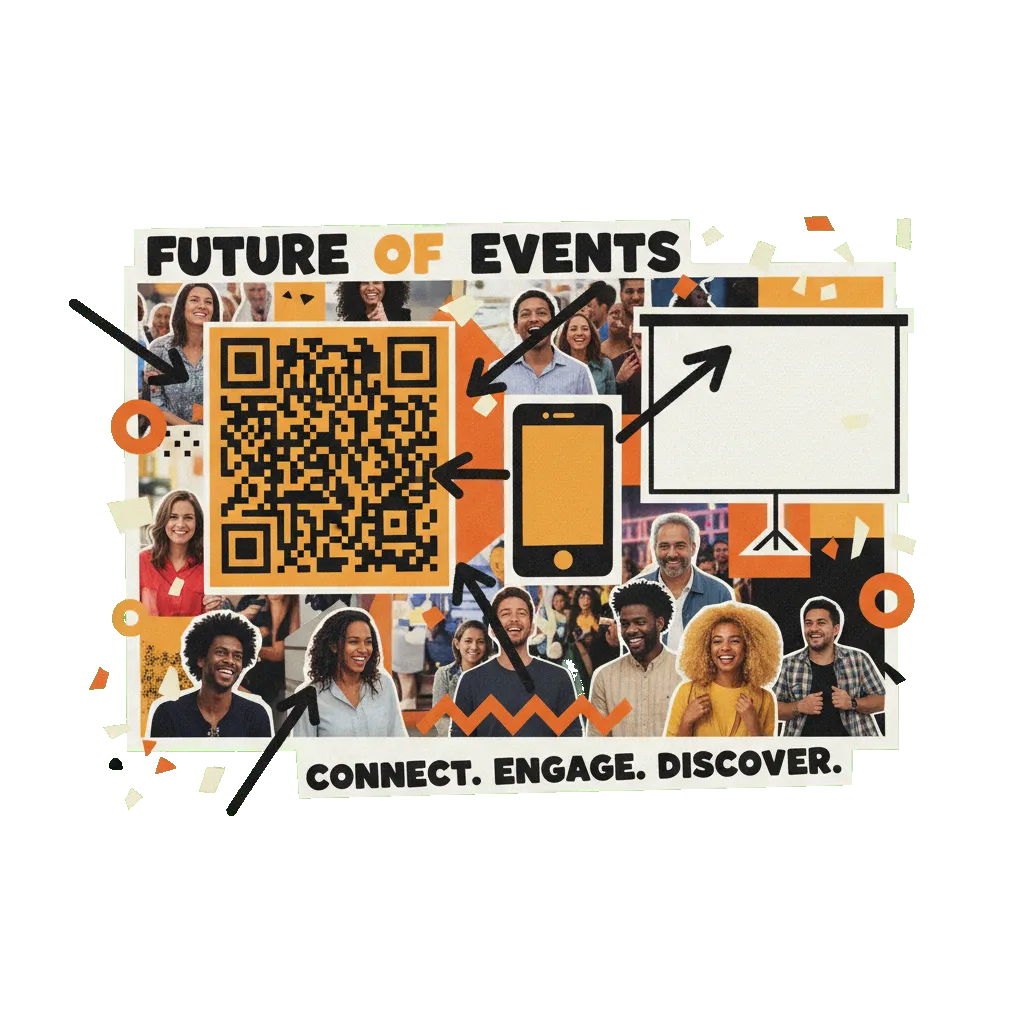
A QR code call to action is the line of text printed or shown next to a QR code that tells people why to scan it and what happens when they do. At an event with a live photo wall, it does two jobs: it gets the scan ("Scan to put your photo on the screen, no app") and it tells people what to post ("Share your favourite photo of the couple"). The second job is the one most signs skip.
Five rules for QR wording
A QR code on its own is a question nobody asked. People don't know what it opens, whether it wants an app, or what they're meant to do once it does. The words around it answer those three things. Five rules cover nearly every case:
- Start with the verb. "Scan to…", "Share…", "Post…". Not "Our photo wall" and not a lone "Scan me!".
- Say what happens. "…and it's on the big screen in a second." The outcome is the reason to scan; at an event with a live wall, the screen is the outcome.
- Remove the doubt. "No app, no sign-up." Guests hesitate over downloads and accounts, not over the camera. For older guests, add "use your phone camera".
- Say what to post. A photo of what, a message about what. "Share a photo" gets selfies; "post your oldest photo of Sam" gets the photos you wanted.
- Print a short link under the code. A few cameras won't read a code in low light, and some people would rather type. The link rescues them.
Words get posted too, if you ask for them. Across 106 events on QR Wall, 31% of posts were written messages, and 63% of people who opened a wall's posting page posted at least once (participation data). Most of the loss happens before the scan, which is the part the wording controls.
12 QR call to action lines that work at any event
Mix and match. A sign usually needs one line from the first four and one that says what to post.
-
"Scan to put your photo on the big screen."
The base line: a verb, the action and the outcome in nine words. Works at almost any event with a live wall.
-
"No app, no sign-up."
The reassurance. Put it on every sign and card, right under the main line.
-
"Point your phone camera at the code."
For guests who don't know the built-in camera reads QR codes. Useful at memorials, school events and anywhere with older guests.
-
"It's on the screen in a second."
Says what happens and how fast. On a live wall each post appears about a second after it's sent.
-
"A photo or a few words: both go on the screen."
Invites people who don't have a good photo to write instead.
-
"Leave Ana & Tom a note they'll keep."
Name the person the posts are for. Guests post for people, not for a screen.
-
"What would you ask the CEO?"
A question gets an answer. Use one when you want words rather than photos.
-
"Before the first dance: share your favourite photo of the couple."
Tie the ask to a moment. On the median QR Wall event, 48% of posts arrived in the busiest hour, so ask just before it.
-
"See the screen? That's where your photo goes."
For table cards and signs: point people back to the live screen, where the code is and where their post will land.
-
"Can't scan? Type the link below."
Above the short link. It turns a failed scan into a post instead of a shrug.
-
Your own prompt on the wall itself
On Professional, the wall prompt replaces 'Scan to share' under the QR on the screen with your own words, up to 90 characters, and shows the same words on the guest's phone where they type. Change it mid-event as the evening moves on.
-
The MC line
'Look at the screen. Scan the code in the corner with your camera, no app, and your photo will be up there in a second.' Said twice: once when the room is seated, once before the big moment.
Examples by event type
Copy, change the names, print. Each set has wording for a sign (read from a distance, often while walking), a table card (read sitting down, with time) and a wall prompt (read on the screen and on the phone, while typing). Replace the names, dates and places with yours. Each wall prompt here fits the 90-character limit.
Weddings and rehearsal dinners
Name the couple. Guests post for people, not for a screen.
Sign
- "Share the day with us. Scan to put your photos on the big screen. No app needed."
- "Scan with your phone camera. Your photos and a note for Ana & Tom go straight to the screen."
- "Scan and post your oldest photo of the couple. It's on the screen in a second."
Table card
- "Got a good one? Scan and it's on the screen in a second. No app, no sign-up."
- "Leave Ana & Tom a note they'll keep. Scan, type, send."
- "Photos from your table go on the big screen. Point your camera at the code."
Wall prompt (Professional, 90 characters or fewer)
- "Share a photo from tonight and one piece of advice for Ana & Tom."
- "Post your favourite photo of Ana & Tom, old or new."
- "How do you know the couple? Tell us with a photo."
- "Send Ana & Tom a wish for the next 50 years."
- "Post your best story about the groom. Keep it clean!"
Conferences, trade shows and company events
Ask for something useful: a question, an idea, a team photo. 'Share your moments' gets selfies.
Sign
- "Scan to post your photo or question to the main screen. No app, no login."
- "Your question for the panel, on the big screen. Scan, type, send."
- "Stop by our booth screen: scan, post a photo, see it up in a second. No app."
Table card
- "See something worth sharing? Scan and it's on the main screen. No app."
- "Ask the speakers anything. Scan the code; questions show on the screen."
- "One scan, one photo, on the main screen in a second. No app, no login."
Wall prompt (Professional, 90 characters or fewer)
- "What's one idea from this session you'll use on Monday?"
- "Post a question for the panel. We'll answer the best ones live."
- "Share a photo of your team at the conference. Where are you from?"
- "What should we cover at next year's event?"
- "Post one win from last year and the customer's first name."
Funerals, memorials and celebrations of life
Gentle, specific and in the person's name. Never 'Scan me!'. Say clearly that there's nothing to download: many guests are older.
Sign
- "Share a photo or a memory of Margaret. Scan with your phone camera; no app needed."
- "Scan to add a photo or a few words for the family. They will appear on the screen."
- "In memory of Margaret. Point your phone camera at the code to share a photo of her."
Table card
- "Have a photo of Margaret on your phone? Scan to share it with the family."
- "A few words for the family: scan, type and send. Nothing to download."
- "Scan to add your memory of Margaret to the screen."
Wall prompt (Professional, 90 characters or fewer)
- "Share a photo of Margaret, or a story about her we may not know."
- "How did you know Margaret? Share a memory or a photo."
- "Share a moment with Margaret that still makes you smile."
- "Leave a few words for the family."
- "What did Margaret teach you? Tell us in a line or two."
Birthdays and holiday parties
The room is relaxed, so the prompt can be playful. Give people a specific thing to find on their phone.
Sign
- "Party photos go on the TV. Scan, snap, done. No app."
- "Scan to put your photo on the big screen. It shows up in a second."
- "Happy 40th, Sam! Scan to send a photo or a wish to the screen."
Table card
- "Got a good one? Scan and it's on the TV in a second. No app, no sign-up."
- "Dig out your oldest photo of Sam. Scan to put it on the screen."
- "Photos or a few words: both go on the screen. Scan with your camera."
Wall prompt (Professional, 90 characters or fewer)
- "Post your best photo of Sam from the last 40 years."
- "Wish Sam a happy 40th with a photo or a few words."
- "Show us your ugliest holiday sweater."
- "Best moment of 2026? Post it."
- "Post a photo with someone you met tonight."
- "Thank one colleague for something they did this year."
Schools: graduations, concerts, sports days
Speak to families, name the thing they came for, and turn on the approval queue: anyone in the hall can scan.
Sign
- "Families: scan to share your photos from today on the big screen. No app, no sign-up."
- "Scan to send a message to the class of 2027. It appears on the screen."
- "Proud of someone on stage? Scan and send them a message for the screen."
Table card
- "In the programme: scan the code to send the graduates a message. No app needed."
- "Your photos from the stands, on the big screen. Point your camera at the code."
- "Scan to thank a teacher. Your message goes on the screen in the hall."
Wall prompt (Professional, 90 characters or fewer)
- "Send a message to the graduates. Name the one you're here for."
- "Share a photo from the science fair. Which project is yours?"
- "Post a photo from Sports Day. Go Blue House!"
- "Thank a teacher who made this year better."
- "What do you hope the class of 2027 remembers about today?"
Markets, fairs and festivals
People are walking, not sitting. Keep the sign to one line and say where the screen is.
Sign
- "Scan to put your market photo on the screen by the stage. No app."
- "Show us your best find! Scan and it's on the big screen in a second."
- "Festival photos, live on the screen. Scan with your phone camera."
Table card
- "Bought something you love? Scan and show us. No app, no sign-up."
- "Snap your favourite thing on this stall and put it on the big screen."
- "Scan to share your photo from the fair. It plays on the screen by the stage."
Wall prompt (Professional, 90 characters or fewer)
- "Show us your best find at the market today."
- "Post a photo from your favourite stall and tell us why."
- "Share a photo of your family at the winter market."
- "Which stall should come back next year?"
- "Post your photo with the tree and tell us where you're from."
For the actual sign, the free QR poster maker lays out the code, your line and the short link, and there are ready-made signs for weddings, memorials, company events and graduations. For memorial message ideas in more depth, see memory wall prompts.
Sign vs table card vs wall prompt
The same message, three distances. Each place has one job, and the wording should fit it.
- The sign (entrance, bar, stage) is read from a few metres away by someone on the move. One line plus "no app". As a print rule of thumb, aim for words a person can read in the time it takes to walk past: roughly ten words or fewer for the main line.
- The table card is read sitting down, phone already in hand. It has room for two or three lines: the action, the reassurance and what to post, plus the short link.
- The wall prompt sits on the live screen, under the QR code, where everyone is already looking and where their post will land. It's the one place you don't need to explain the scan, because people can see posts arriving. Use it for what to post. On QR Wall it's a Professional feature ($19.99/month ($11.99 the first month)): up to 90 characters, shown under the code in Slideshow, Grid and TV views and on the guest's posting page, and you can change it mid-event. Without it, the wall shows the stock "Scan to share".
The code belongs on the live screen first. Signs and cards are extra places the same code appears, and they work best when they point back to the screen: see how to get guests to scan your QR photo wall for placement, print sizes and the MC script.
Wording to avoid
- "Scan me!" on its own. It says nothing about what happens or why.
- "Share your memories" with no how. Nice sentiment, no instruction. Add the verb and the outcome.
- Anything that sounds like a download. "Get the app", "join our platform", "create your account". If guests think they need an account, many won't scan.
- A hashtag next to the code. It suggests people have to post publicly on social media, which many guests at weddings, memorials and work events don't want to do.
- Prizes or draws you don't run. "Best photo wins!" needs a judge, a prize and rules. If you're not doing that, don't promise it.
- Promises the wall can't keep. If the screen needs approval before posts appear, don't print "instantly on screen"; say "on the screen" instead.
- Long paragraphs. Over 90 characters won't fit under the code on the wall, and on a sign nobody reads past the first line.
Write and test your QR wording in 15 minutes
Do this a week before the event, with the actual sign in your hand.
-
1
Write the main line
Verb first, then the outcome: 'Scan to put your photo on the big screen.' Read it aloud. If it takes longer than walking past a sign, cut it.
-
2
Add the reassurance
'No app, no sign-up.' For older guests, add 'use your phone camera'.
-
3
Write what to post
One specific ask for the event: a photo of the couple, a question for the panel, a memory of the person. This is your wall prompt; keep it to 90 characters so it fits on the wall.
-
4
Put the prompt on the wall
On a Professional wall, write it in Customize. Open the display link on the screen and check it reads from the back of the room, under the code.
-
5
Print the short link under the code
Use the dashboard's 'Print poster', or the free QR poster maker, so the link sits under the code with a 'no app needed' line.
-
6
Test with someone who wasn't involved
Hand the sign to a friend who hasn't seen it. If they scan and post without asking a question, the wording works. If they ask 'what do I do?', the sign didn't say it.
Common QR wording mistakes
- ✗No instruction at all. A bare code on a sign relies on curiosity. Most people walk past.
- ✗Saying how but not what. 'Scan to share' gets selfies and 'hi!'. Say what to post.
- ✗Different words in different places. The sign, the card, the MC and the wall should ask for the same thing, so guests hear one clear ask.
- ✗Tiny type under a big code. The words matter as much as the code. If the line can't be read from where the code can be scanned, it's too small.
- ✗A prompt that's too long for the wall. The wall prompt is capped at 90 characters, so it stays readable under the QR from across a room. Write it to fit rather than having it cut off.
- ✗A prompt the room can't answer. 'Post a photo from your first date' at a big conference gets nothing. Ask for something every guest has on their phone or can take in the room.
Where the words go
Four places a QR call to action appears at an event, and what each one has to do.
Frequently asked questions
What should a QR code sign say?
A verb, what happens and the reassurance, then what to post. For an event photo wall: 'Scan to put your photo on the big screen. No app, no sign-up.' followed by a specific ask such as 'Share your favourite photo of the couple.' Print a short link under the code for anyone whose camera won't read it.
How long should a QR call to action be?
On a sign, one main line of about ten words or fewer, plus 'no app'. On a table card, two or three short lines. On a QR Wall wall prompt, up to 90 characters, which is enough for one full sentence.
Should I add a link under the QR code?
Yes. A few phone cameras won't read a code in low light or at an angle, and some people would rather type. A short link under the code turns a failed scan into a post. QR Wall's 'Print poster' puts the link under the code for you.
Can I change the words on the wall itself?
Yes, on Professional ($19.99/month ($11.99 the first month)). Write a prompt of up to 90 characters in Customize and it replaces 'Scan to share' under the QR code in the Slideshow, Grid and TV views. Guests see the same words on their phone where they type, and you can change it mid-event. On the free and Premium plans the wall shows 'Scan to share'.
Is 'Scan me' a good call to action?
Not on its own. It doesn't say what happens, whether an app is needed or what to do next. 'Scan to put your photo on the screen. No app.' does all three in about the same space.
Should the QR code sign mention social media?
Usually not. A hashtag or a social logo next to the code suggests people have to post publicly, which many guests don't want to do. If the wall is private to the room, say so: 'Your photo goes on the screen here.'
Put your own words under the code
Create a free wall, print the poster, and see how your wording reads on the screen.
Create your free QR Wall →✓ No credit card required ✓ Setup in 60 seconds
Related resources
How to get guests to scan
Placement, print sizes and the MC script
QR poster maker
Print a sign with your code, your line and the short link
Wedding QR sign
A ready-made sign for the reception
Memorial QR sign
Gentle wording for a service or celebration of life
Memory wall prompts
What to ask guests to share at a memorial
QR code event wall setup
From nothing to a live wall in minutes
Pricing
Which plan has the wall prompt